Does it work in online games and full-screen apps?
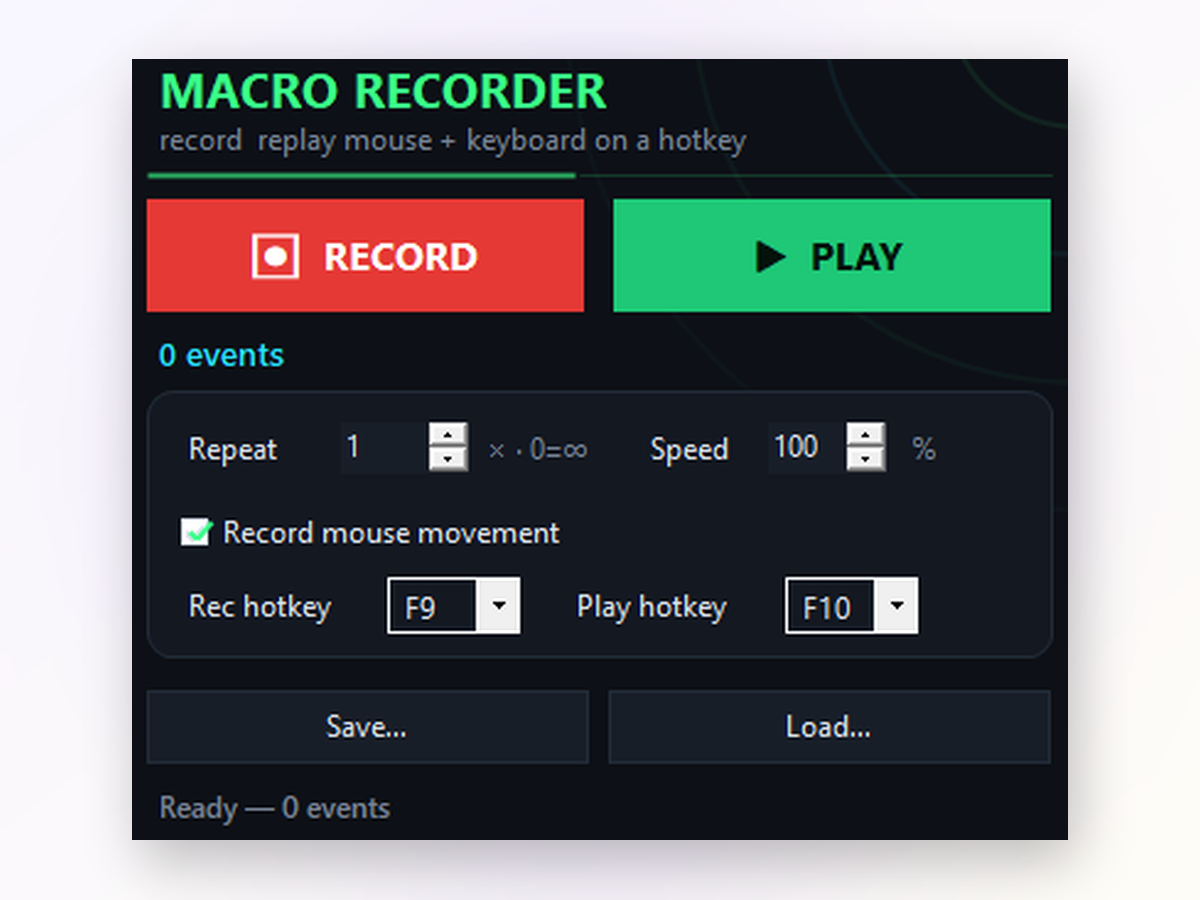
Yes. Macro Recorder sends input as hardware scan codes, so it works in full-screen games, web browsers, and remote sessions. F9 and F10 trigger recording and playback from any window.
Can I save and reuse my macros?
Absolutely. Every macro is saved as a file. Load it back anytime to replay the same routine without re-recording.
What if I make a mistake while recording?
Just delete the macro and re-record. There's no undo for a single action, so it's best to start fresh if you notice an error.
Will antivirus or Windows Defender flag it?
Macro Recorder is open-source and signed. On first download, Windows may show a SmartScreen warning because it's new; click Run anyway. Reputation builds as more people download.
Can I adjust the speed while the macro is playing?
No, you set the speed before playback. But you can press F10 again or Stop to halt immediately and start over at a different pace.
Does it work on Windows 7 or older versions?
Macro Recorder requires Windows 8.1 or newer. Windows 10 and 11 work perfectly.
Will my macro work on a different monitor resolution?
Mouse movement macros are resolution-dependent, so they may not click the same spot on a different screen size. Clicks-and-keys-only mode works anywhere.